
In Insight View you can customise the online reports on companies and freelancers:
- Arrange the sections
- Hide what you don’t need
Reports customisation is personal, so it will not affect the rest of users at your company.
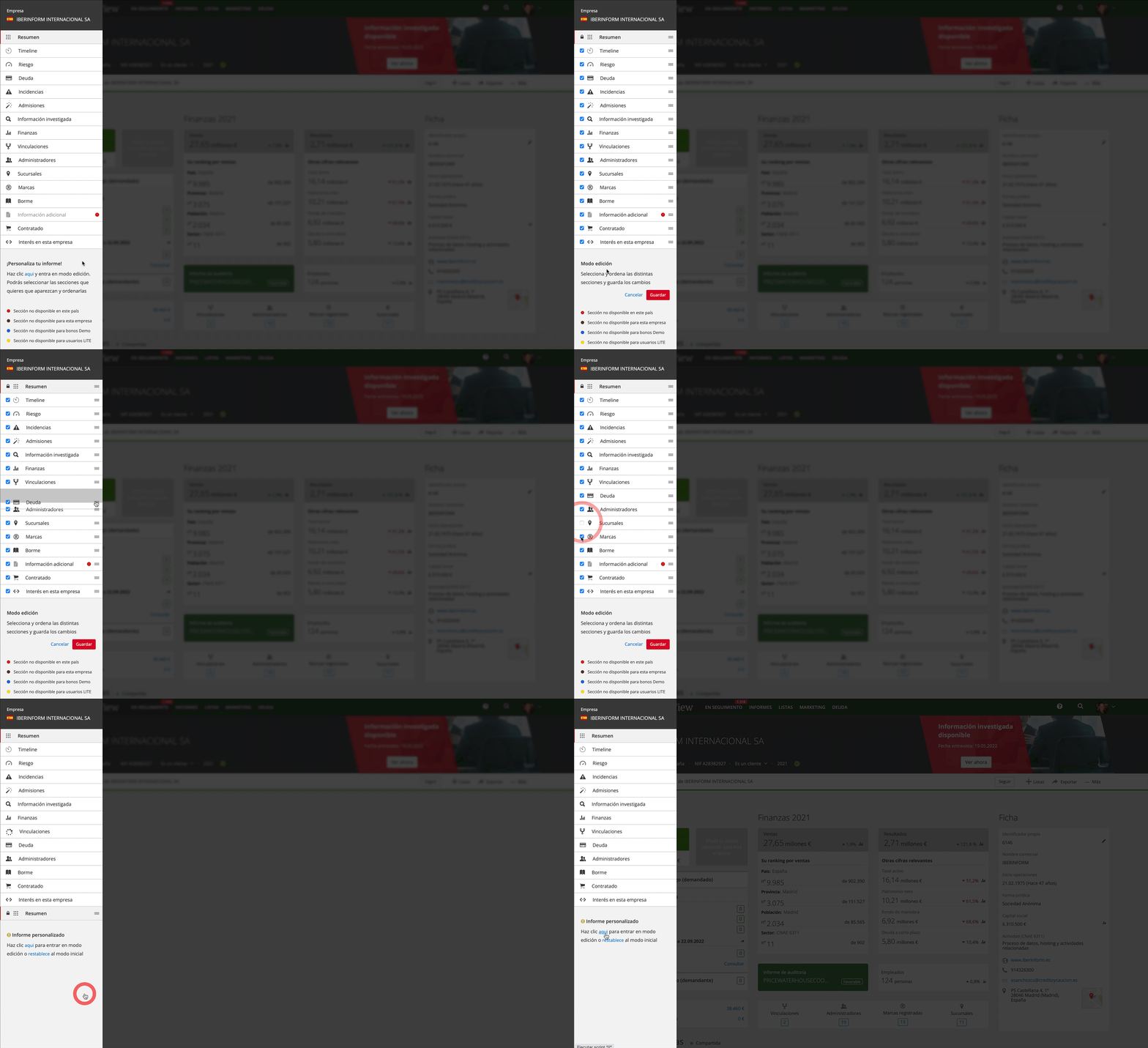
- Open the company’s menu of sections
- Under each section, click to customise the report
- Arrange the sections by dragging them to where you want them
- Deactivate the sections you do not want to consult
- Save your changes
- You now have the report customised to your preference
- At any time, you can edit this customisation or reset to the original report.